
Common Problems We See
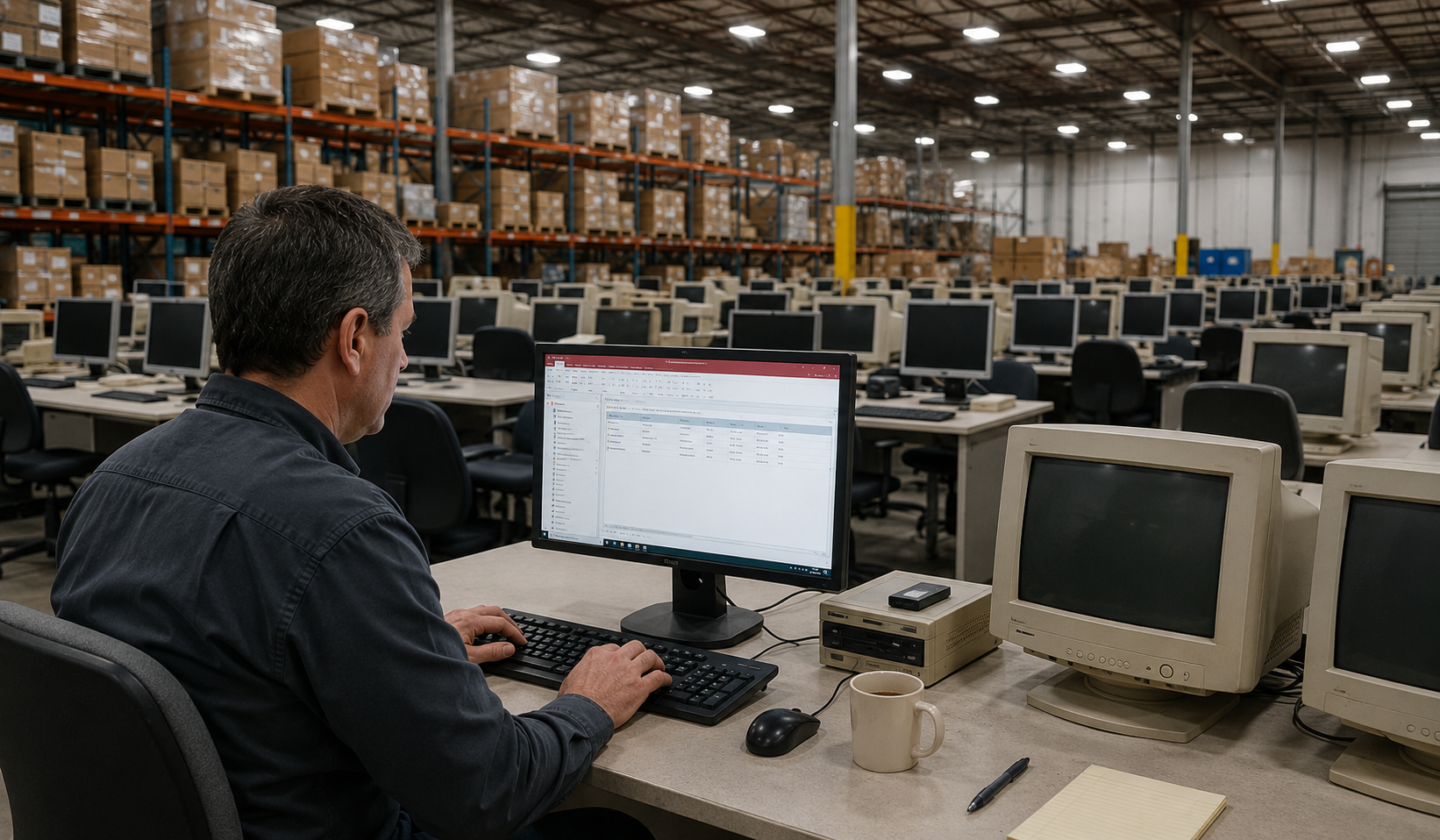
These are the warning signs we hear from business owners every week. If you recognise two or three of them, your Access database has likely shifted from being a valuable business tool to becoming a growing operational risk.
Slow Access Database
Tasks that once took seconds now take minutes. Reports are slow to load, searches lag, and your team spends valuable time waiting for the database to respond instead of getting work done.
Crashing & Corrupting
Unexpected crashes, database corruption, and recurring errors disrupt daily operations. Instead of focusing on productive work, your team spends valuable time dealing with the same problems over and over again.
Multi-User Access Database Issues
As more people start using the database, problems become harder to ignore. Records get locked, users overwrite each other’s work, and frustrating errors start slowing everyone down.
Constant Re-Indexing
The database needs constant attention just to keep working properly. Skip the regular maintenance, and you’ll soon notice things slowing down.
The Developer Is Gone
The person who built the database is no longer around, and with them went much of the knowledge about how it works. Now even small changes feel risky.
No Reporting Visibility
Years of valuable business data sit inside the database, but turning that information into useful reports is often harder than it should be.
You Have Outgrown Access
The database may have worked well when the business was smaller, but it is now being asked to handle far more data, users, and day-to-day activity than it was designed for.
Spreadsheet Chaos
Important business data is scattered across countless spreadsheets. Different versions are saved in different places, and nobody is completely sure which numbers can be trusted.
Request an Access Database Review
Complete the form and we’ll contact you to discuss your Access database, identify any issues, and recommend the most practical next steps.
CASE STUDY – MANSFIELD’S PROPAGATION NURSERY BIGGEST SHIFT
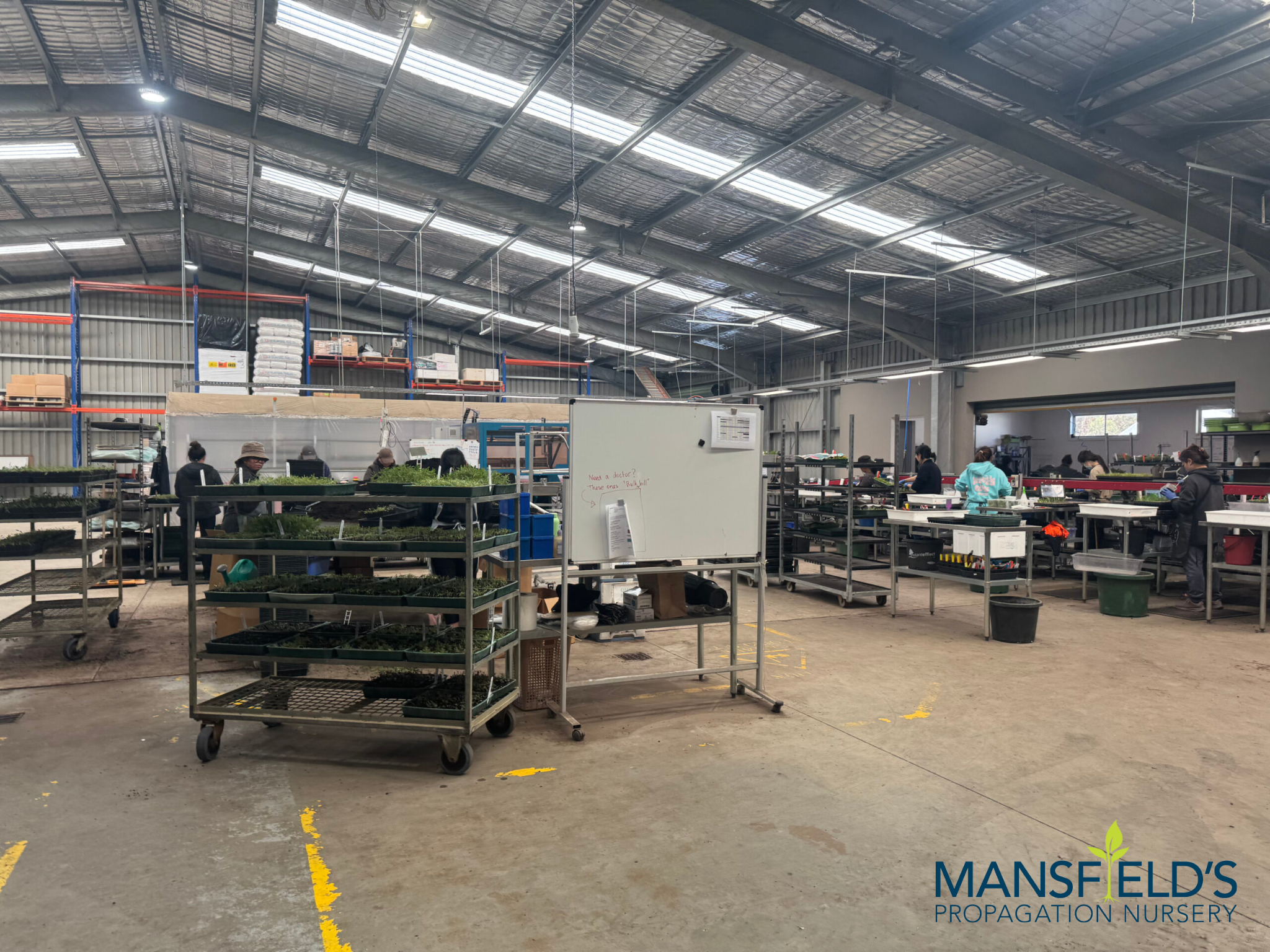
How a Six-Million-Plant Nursery Replaced an Outdated Access Database
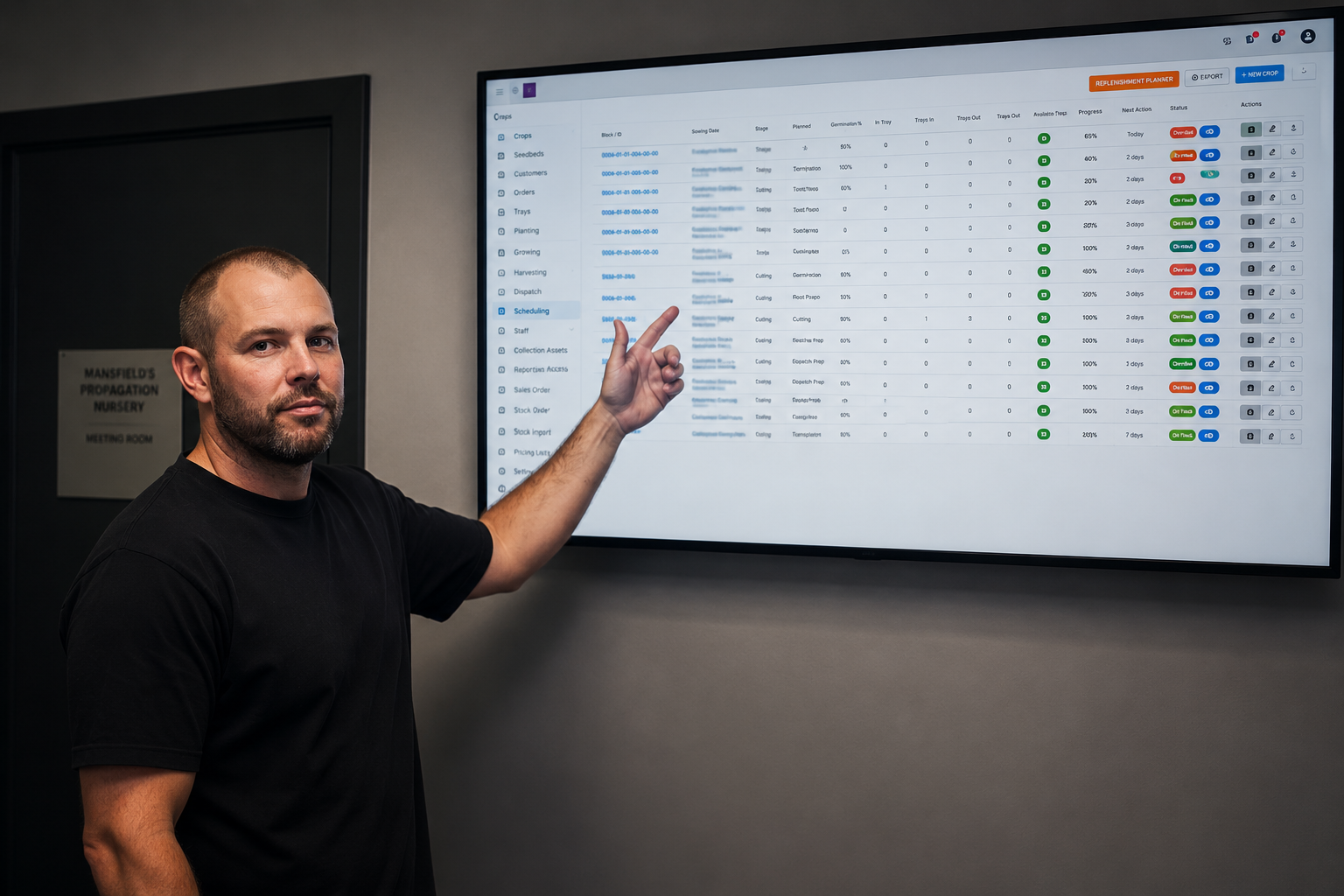
Mansfield’s Propagation Nursery was producing more than six million plants each year while relying on an Access database that had supported the business for many years. Inventory updates were delayed, managers depended on printed job sheets, and important production information wasn’t available until well after work had already begun.
Instead of helping the business operate efficiently, the database had become another obstacle that staff worked around every day.
OUR SOLUTION
We replaced the entire Access database and supporting Excel spreadsheets with a purpose-built web application developed around the nursery’s daily operations.
Historical records were retained, inventory became live, workforce scheduling moved online, and reporting became available in real time. Staff could access the information they needed from anywhere on the property without relying on outdated reports or paper-based processes.
The new application provided greater visibility across the business and gave management the confidence to make decisions using accurate, up-to-date information.
We Don’t Just Migrate Your Access Database. We Improve It.
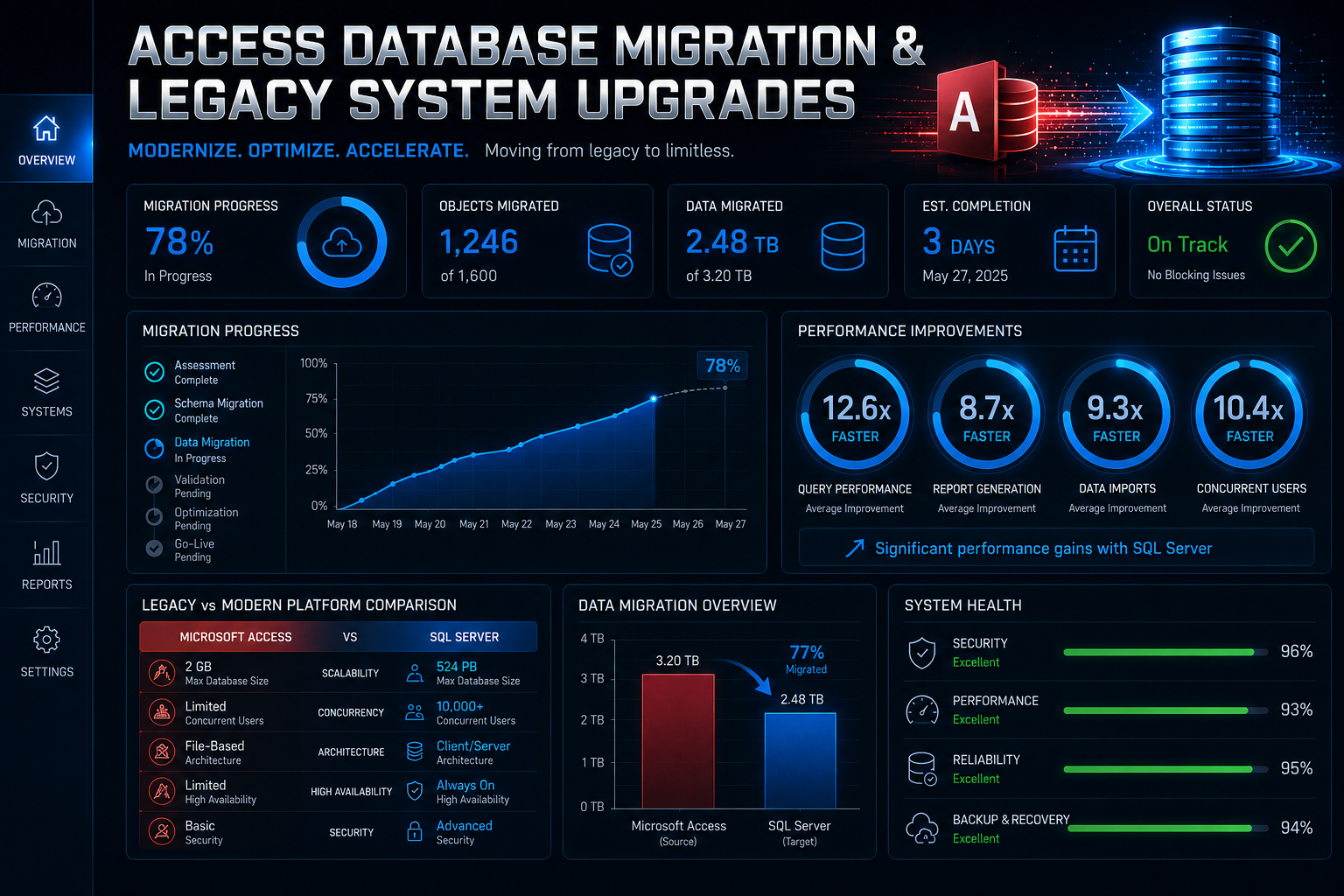
The new system grows alongside your business and comfortably supports multiple users working simultaneously.
Modern Web App Replacement that accessible by any browser, any device, any number of users
We migrate Microsoft Access databases into secure PHP and MySQL web applications that can be accessed through any modern browser. Staff can securely log in from the office, warehouse, workshop, depot, or while working remotely, all while using the same live system.
Excel Spreadsheet Migration
Over time, information becomes scattered across multiple files, creating duplicate data, inconsistent reporting, and unnecessary manual work. We bring these disconnected processes together into one structured application that improves accuracy, simplifies reporting, and gives everyone access to the same information.
Legacy System Upgrades
If your business is still using Access 2003, Access 2007, or another unsupported version, we’ll modernise the system while preserving the workflows your team depends on. The result is a secure, supported application that performs better and is much easier to maintain.
System Integration
We can integrate your new application with Microsoft 365, accounting software, CRM platforms, inventory systems, reporting tools, and other business applications. This reduces manual administration, improves data accuracy, and allows information to flow naturally between systems.
Multi-User Web Access
Our web applications are built to support multiple users working at the same time without the frustrations commonly associated with desktop databases. Staff can securely access live information from any location using a browser, giving the entire business greater flexibility and improved collaboration.
Reporting & Dashboards
We develop dashboards that provide real-time visibility into inventory, production, scheduling, customer activity, projects, and operational performance. Instead of waiting for yesterday’s reports, you’ll have access to accurate information whenever you need it to make informed business decisions.
Access Database Migration Specialists
We help Australian businesses move away from unstable legacy systems without losing years of operational knowledge and historical data.
We specialise in:
Access database migration
Access to MySQL/PHP conversions
Microsoft Access replacement
Workflow modernisation
Access database upgrades
Web-based operational platforms
Legacy operational system upgrades
Custom business application development
Excel spreadsheet migration
Access database support
What We Replace
We modernise the systems that run your business.
Production management systems
CRM-style Access databases
Manufacturing workflows
Operational reporting systems
Inventory databases
Spreadsheet-based processes
Quoting systems
Legacy desktop applications
Scheduling systems
Job tracking databases
Our Access Database Migration Process
A successful migration starts with a clear plan. Our six-step process keeps your project organised from the initial review through to deployment, giving you visibility at every stage. You’ll know exactly what we’re building, how the migration is progressing, and what to expect before your new system goes live.
01
We Review Your Existing Database and Business Processes
We examine your Access database, supporting spreadsheets, and the way your team uses them every day. We also identify manual processes, reporting requirements, and the shortcuts staff have developed over time. This gives us a complete understanding of how your business operates before any work begins.
02
We Design the New System Before Development Starts
The new application is planned around your business requirements, not assumptions. You’ll review the screens, reports, workflows, and functionality before development begins. Once approved, we move forward knowing everyone shares the same vision for the finished
03
We Prepare Your Data for Migration
Years of daily use often leave Access databases with duplicate records, outdated information, and inconsistent data. We review, clean, and validate your records before migrating them into the new application. Starting with accurate information delivers a stronger and more reliable system from day one.
04
We Build While You Continue Running Your Business
Your current Access database remains operational while we develop the replacement application. This allows your staff to continue working without unnecessary interruptions throughout the project. Once everything has been tested, we schedule a smooth transition to the new platform.
05
We Test Every Part of the New Application
Before launch, we thoroughly test every form, report, workflow, integration, and user permission. Performance, security, and data accuracy are all verified before your team logs in. The goal is to deliver a stable application that is ready for everyday business use.
06
We Support Your Team After Go-Live
Launching the new application is only the beginning. We remain available to answer questions, make refinements, and assist your team as they become familiar with the new system. Our focus is making sure your business gets the full benefit of the migration long after the project is complete.
Businesses That Have Outgrown Access Database
Hastings is home to a broad range of businesses, including manufacturers, marine service providers, transport operators, builders, agricultural businesses, retailers, and professional services. Many have relied on Microsoft Access and Excel for years because they met the business’s needs at the time, but those systems often struggle as operations become larger and more connected. If your team spends more time working around the software than using it, it’s time to consider a modern replacement.
Manufacturing & Production
Many manufacturing businesses still rely on Access to manage production schedules, inventory, quality assurance, and operational reporting. As production volumes increase, the database often becomes slower and harder to maintain. We replace these ageing systems with web applications that provide live production data and improve visibility across the factory floor.
Wholesale & Distribution
Stock control, customer pricing, purchase orders, and supplier information are often spread across multiple Access databases and Excel spreadsheets. This creates duplicate work and increases the risk of inaccurate information. We bring everything together into a single application that keeps inventory, sales, and reporting in one place.
Trade & Field Services
Builders, electricians, plumbers, marine contractors, and other trade businesses often continue using Access long after it has reached its practical limits. Job scheduling, quoting, customer records, and invoicing become increasingly difficult to manage as the business grows. A modern browser-based application gives office staff and field teams access to the same live information from any location.
Healthcare & Allied Health
Medical clinics, aged care providers, veterinary practices, and allied health businesses need systems that support secure record management and dependable reporting. Older Access databases can make compliance and information management more difficult than they need to be. We modernise these systems while protecting the valuable data your organisation has built over time.
Not-for-Profit & Community
Community groups and not-for-profit organisations often depend on Access databases to manage memberships, donations, volunteers, grants, and reporting obligations. As those databases age, they become more difficult to maintain and increasingly vulnerable to errors. We replace them with modern applications that make administration simpler and reporting more reliable.
Professional Services
Accountants, financial advisers, consultants, legal practices, and other professional service businesses often find themselves relying on Access databases that were originally created as short-term solutions. Years later, those systems have become essential to the business but are holding productivity back. We migrate them to modern web applications that improve collaboration, reporting, and day-to-day efficiency.
Technology Stack
We build modern, secure systems using:
FAQ
How long does an Access database migration take?
Most Access database migration projects take between four and twelve weeks to complete. The timeframe depends on the size of the database, the complexity of your workflows, and any integrations required. We’ll provide a detailed project schedule after reviewing your existing system.
Will all of our existing data be migrated?
Yes. We carefully extract, review, clean, and migrate your existing data into the new application. Before the system goes live, we validate the migrated data against your original database to ensure everything has been transferred correctly.
Can you improve our existing Access system instead of replacing it?
In some situations, small improvements can extend the life of an existing Access database. If the software itself has become the limitation, migrating to a modern web application will provide a far more reliable and scalable long-term solution. We’ll explain the advantages of each option before making a recommendation.
Can staff access the new application remotely?
Yes. Your replacement system runs securely through a web browser, giving authorised users access from the office, home, customer sites, or any other location with an internet connection. There’s no need to rely on shared database files or VPN connections.
Our Access database keeps crashing. Can you help?
Absolutely. An unstable Access database is one of the most common reasons businesses contact us. We can often stabilise the existing system while developing a replacement, allowing your business to continue operating until the migration is complete.